
#1 What This State Means
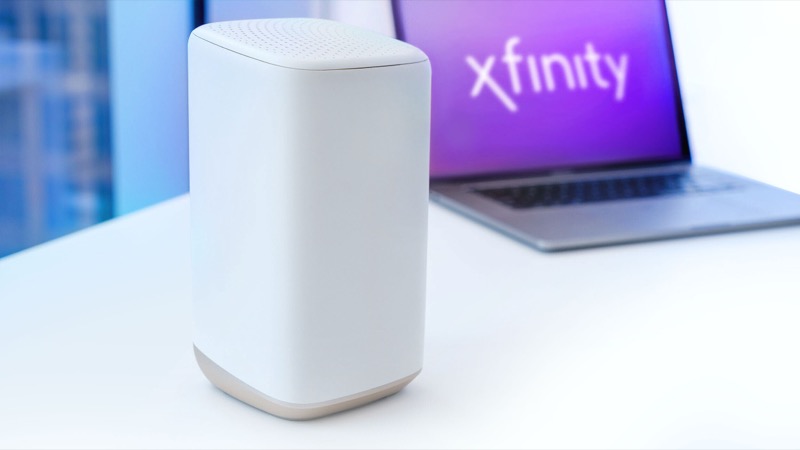
Power is not a separate light in Xfinity’s official table, so a blinking orange light after an outage is read the same way as any other blinking orange light: the gateway is in the connection cycle, trying to reach the Xfinity network. The official instruction for that group is to wait about 15 minutes for the cycle to complete, and to contact Xfinity if it does not finish.
An outage is a reason the cycle runs. When power returns, the gateway starts again, and it has to re-establish its connection before it can reach the network. That is why the light can blink orange for a while after the power is back, even when nothing is wrong with the gateway. The table does not describe the internal steps, so this page does not describe them either.
The situation changes if the light keeps blinking after the cycle has finished. A storm can damage the line, not just cut the power, and a customer thread about a repaired line shows the gateway still blinking and the connection still unreliable after the service was restored. In that case the problem is the line or the connection, and waiting longer will not fix it.
#2 Steps to Troubleshoot
- Let the gateway finish starting. After power returns, leave the gateway alone for about 15 minutes. Do not restart it while it is still cycling.
- Check the power is steady. Confirm the adapter is fully inserted and the outlet is working. A flickering supply can keep the gateway restarting.
- Check for an outage. Use the Xfinity app to see whether service is still affected in your area. Storm damage can take time to repair.
- Check the coax after the storm. Make sure the coax is finger-tight at the wall and at the gateway. Storms can loosen or damage connections, so look for visible damage to the cable as well.
- Restart once if it has not settled. Unplug the power, wait one minute and plug it back in. Then wait the full cycle again.
- Check whether the internet works. The light may still blink while a connection is partly restored. Test a wired device directly on the gateway, not just the Wi-Fi.
- Contact Xfinity if the light keeps blinking. Say the light is orange, that it started after a power cut or storm, that it has been blinking for more than 15 minutes, and whether the internet works on a wired device.
#3 What If Scenarios
Q: Is an orange light after a power cut normal? Yes, for the first few minutes. The gateway has to restart and reconnect, and the official instruction is to wait about 15 minutes for that to finish. If it is still orange after that, the cause is more likely the connection or the line.
Q: The internet came back, but the light is still orange. Is that a problem? It can be. A customer thread after a storm repair describes the gateway still blinking and the connection still being unreliable. If the internet works but the light does not settle, check the coax and contact Xfinity, because the connection may be partly restored.
Q: Should I reset the gateway after the outage? Not as a first step. A factory reset erases your Wi-Fi name, password and custom settings. The sources do not say a reset clears a post-outage orange light. Restart once, and reset only if Xfinity support tells you to.
Q: My router or mesh system is connected, but the light is still orange on the gateway. What do I check? Check the gateway first. The orange light describes the gateway’s connection to Xfinity, not the Wi-Fi system behind it. Test a computer directly on the gateway with an Ethernet cable. If it works there, the problem is in your home network rather than the gateway.
Q: Who should I call after a storm? Xfinity support, through the app or the number on your account. Say the outage was a power cut or storm, when it happened, the colour and pattern of the light, and whether a wired device connects.
Q: How do I tell a storm-damaged line from a gateway that just needs time? Look at the timing and the result. A gateway that only needs time settles within about 15 minutes and the internet returns. If the light is still orange after that, the internet is unreliable, or service was lost and restored more than once, the line is the more likely cause. Report the pattern to Xfinity so the technician can check the line, not just the gateway.
#4 Related Articles
For the connection cycle in general, read the Xfinity router blinking orange guide. For the outage check, see how to check for an ISP outage. If the light turns red, read the Xfinity router red light guide.