
#1 What This State Means
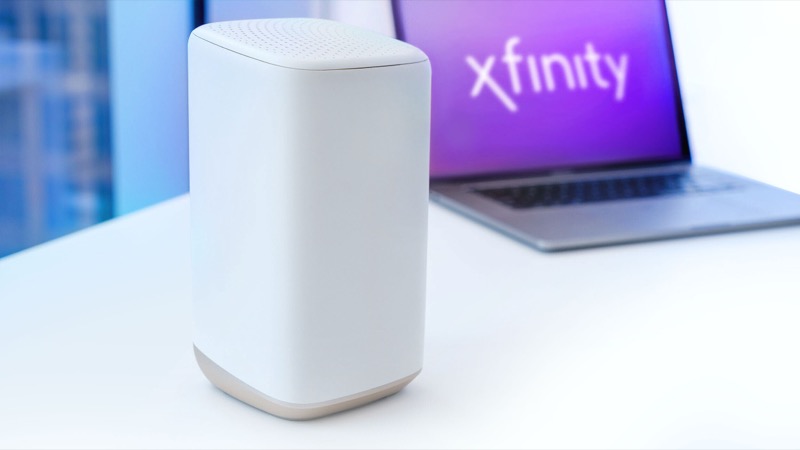
On an Xfinity gateway, a blinking orange light means the gateway is connecting to Xfinity systems and has not finished. Xfinity’s official light table (S04) puts orange in its “all other colour combinations” group, which means connecting, and it says to wait about 15 minutes for that cycle to complete. The table also says that orange has no unique cause of its own, so the light tells you the state, not the reason. An Xfinity employee has explained the same point on the community forum (S12): a flashing light of any colour means the gateway cannot connect yet.
So the fix for orange is timing and checking, not a repair in the light itself. Wait for the cycle, check for an outage and the coax, and restart once if the light does not change. A third-party guide (S13) adds that an orange light that stays for about an hour is a reason to contact Xfinity. That hour is not in Xfinity’s official article, so treat it as a rule of thumb from a third party, not a published Xfinity limit.
This page covers Xfinity gateways only. The XB6, XB7 and XB8 are the models S13 covers, and the official table covers gateways as a group.
#2 Blinking orange on an Xfinity gateway
| Light | What it means | Where it comes from | Action |
|---|---|---|---|
| Blinking orange | Connecting to Xfinity systems | Official table (S04); other-colour group | Wait about 15 minutes |
| Blinking orange, any colour, does not connect | The gateway cannot connect yet | Xfinity employee on the forum (S12) | Check the outage and the cables |
| Orange for about an hour, no outage | A reason to contact Xfinity | Third-party guide (S13), not in Xfinity’s article | Contact Xfinity |
The table is the official source for the wait. The hour is a third-party rule of thumb, and the page marks it as one.
#3 Steps to fix a blinking orange light
- Confirm the light is blinking orange on an Xfinity gateway. Read the label to confirm the model.
- Wait about 15 minutes. Xfinity’s table gives this time for the connecting cycle, so let it run.
- Check for an outage. Use the Xfinity app or the outage information on Xfinity’s site. An outage keeps the gateway connecting until service returns.
- Check the coax cable. Make sure it is firmly connected at the wall and at the gateway, since a loose cable is a common cause that third-party guides list.
- Restart once if the orange has not changed. Unplug the power, plug it back in, and let the cycle run again. Do not repeat restarts, because each one starts the cycle again.
- Contact Xfinity if the orange continues. Give the model, when the orange started, whether there is an outage, and what you have already checked. If the light has been orange for about an hour with no outage, that is a reason to call.
#4 What If Scenarios
Q: My Xfinity gateway has been blinking orange for an hour. What should I do? An hour is a third-party rule of thumb in ModemGuides (S13), not Xfinity’s published limit. With no outage, contact Xfinity, and give them the time the orange started.
Q: Does orange mean my gateway is broken? Not on Xfinity’s table. Orange is the connecting group, which means the gateway is still connecting, so wait first.
Q: Why won’t my gateway connect? An Xfinity employee has said a flashing light of any colour means the gateway cannot connect yet (S12). The sources do not give one cause, so check the outage and the cable first.
Q: Should I restart the gateway straight away? No. Wait about 15 minutes first, because a restart starts the connecting cycle again. Restart once if the orange does not change.
Q: Can I use the same steps for a Cox or other router? No. Cox uses amber, with different states, and this page covers Xfinity gateways only. Use that brand’s table.
Q: The orange appeared after a power cut. Is it the same problem? Probably the same connecting cycle. A power cut restarts the gateway, and Xfinity’s table treats the orange as the connecting group, with about 15 minutes to wait. Give the cycle that time, then check for an outage, since an outage can keep the gateway connecting.
#5 Related Articles
For the full Xfinity colour table, read the Xfinity router blinking orange guide. For the orange reason, read the why Xfinity router blinking orange guide. For the outage check, read how to check for an ISP outage.