
#1 What This State Means
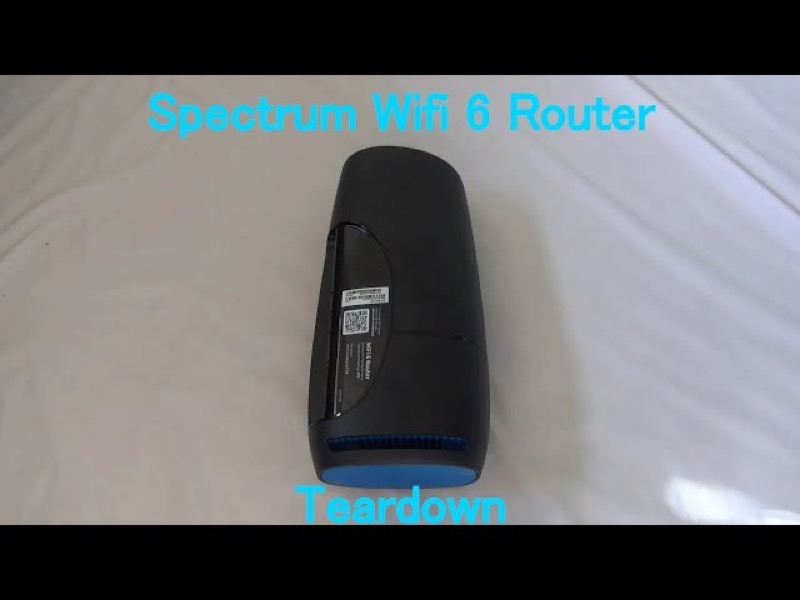
Spectrum’s WiFi 6 router manual describes one front status light. It does not describe a separate power light, so there is no documented “power light” state for this router to compare against. The manual’s table gives the status light’s meanings: off means the device is off, and blue or green, flashing means the device is booting up.
So if you are looking for a blinking power light on the WiFi 6 router, the manual’s closest state is the flashing status light, which means the router is booting. A flashing light is a start-up step, not a power fault. It should finish and change to pulsing or solid as the router connects. If the light never turns on at all, the manual’s reading is that the device is off, so check the power.
This page covers the Spectrum WiFi 6 router family only, the the SAX1V1 family. Spectrum’s manual does not describe a power light on its modems or other routers, so do not apply this page to them.
#2 Status light and power
| What you see | What Spectrum’s manual says | What to do |
|---|---|---|
| No light at all | Device is off | Check the power cable and the outlet |
| Blue or green, flashing | Device is booting up | Wait for start-up to finish |
| Blue or green, pulsing | Connecting to the internet | Give it time to settle |
| Blue or green, solid | Connected to the internet | Healthy; check devices if needed |
| Red, pulsing | Connectivity issue | Check the cable and modem |
A flashing light is normal for a short time after the power comes on. The one case the manual describes as the device being off is when there is no light, so that is the place to check the power.
#3 Steps to Troubleshoot
- Check whether the light is off or flashing. No light means the device is off, so check the power. A flashing light means it is booting.
- If there is no light, check the power cable. Make sure the power plug is firmly in the router’s power socket and in a working outlet.
- Try another outlet if you have one. This rules out a dead socket without changing any settings.
- If the light is flashing, wait for start-up to finish. Do not unplug the router while it flashes, because that interrupts the start-up.
- If the light stays flashing for a long time, check the modem and cable. The router cannot finish connecting if the modem is not providing a connection.
- Reboot once if the router is stuck. Press and hold the Reset button on the side for 4 to 14 seconds. The manual says your personalised settings are kept.
- Contact Spectrum if the light never comes on or stays flashing. Give the model, what the light does, what you have already checked, and whether other devices in the home are affected.
#4 What If Scenarios
Q: The light is flashing blue or green and will not stop. Is the power failing? The manual describes flashing as booting up, not a power fault. Wait for the start-up to finish. If the light keeps flashing for a long time, check the modem and cable, then reboot once.
Q: There is no light at all. Is the router dead? The manual says no light means the device is off. Check the power cable and the outlet first. If it has power and still shows no light, contact Spectrum.
Q: My Spectrum device is a modem. Does a power light on it match this page? No. The manual covers the WiFi 6 router family only. Use the page for your device.
Q: Will changing the outlet fix a blinking power light? Changing the outlet only tells you whether the power supply is working. The manual does not describe a power light on the router, so do not assume the outlet is the cause unless the router has no light at all.
Q: Will a factory reset help a router that is flashing? The manual does not present a factory reset as the fix for a flashing light. A factory reset removes your personalised settings, so use it only if Spectrum support asks you to.
#5 Related Articles
For the full WiFi 6 router legend, read the Spectrum WiFi 6 router lights guide. For the blue states, read the Spectrum router blinking blue guide. For a router that shows no light, read the Spectrum router WiFi light off guide.