
#1 What This State Means
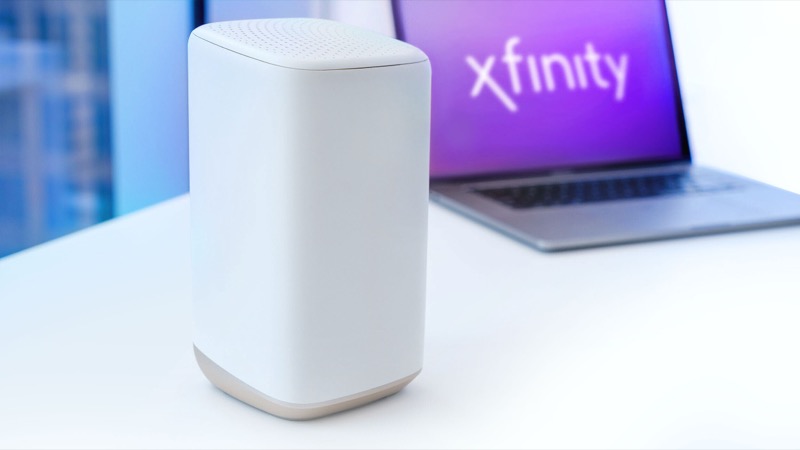
The phrase “offline” is not a light state in Xfinity’s official light table. The table describes a gateway in three ways that matter here. No light means the device is off, which is a power question. Blinking orange and other colour combinations mean the gateway is connecting to Xfinity systems, and the instruction is to wait about 15 minutes for that cycle. Steady red means there is no internet connection.
So when someone says their Xfinity gateway is offline, the answer depends on which of those they are actually seeing. The offline status people report usually comes from the Xfinity app or account, which shows whether the gateway is reaching the network. It is not a separate colour on the front panel. We could not find an official Xfinity article that defines offline as a light, so this page describes what the official table says and leaves the account status to the app.
Two readings are most common. If the gateway has no light at all, it has no power or is switched off, and you should check the adapter first. If it is blinking orange or showing red, it is powered but cannot reach the network, which is the situation the app reports as offline.
#2 Steps to Troubleshoot
- Check the gateway has power. If there is no light at all, check the power adapter is fully inserted at both ends and that the outlet is switched on. A gateway with no light cannot connect, so nothing else will help until it powers on.
- Check the app or account status. Open the Xfinity app and look at the gateway status. This is where an “offline” message appears. Note whether the app reports an outage or a device problem.
- Check for an outage. Use the app to look for an outage in your area. An outage stops the gateway reaching the network, and the light will not settle until service returns.
- Match the light to the table. If the light is blinking orange or another colour combination, wait about 15 minutes for the connection cycle. If it is steady red, the official table says there is no internet connection, and you should follow the red-light guide.
- Reseat the coax and restart once. Check the coax at the gateway and the wall, then power cycle the gateway once. Do not restart repeatedly, because each restart starts the connection cycle again.
- Contact Xfinity if it stays offline. If the app still reports offline after the steps above, call Xfinity and say what the light shows, how long it has shown it, and what you have tried.
#3 What If Scenarios
Q: The app says my gateway is offline but the light is green. Which is right? The light and the app describe different things. A green light is part of the connection cycle in the official table, so the gateway may still be reconnecting. Wait for the cycle to finish and check the app again. If the app still reports offline after that, contact Xfinity.
Q: The gateway has no light at all. Is it broken? Not necessarily. The official table defines no light as the device being off. Check the adapter, the outlet and the power switch before assuming a fault.
Q: Does an offline gateway need a factory reset? No. The official table and the Xfinity community replies do not ask for a reset for offline or connection problems. A factory reset erases your Wi-Fi name, password and custom settings, so reset only if Xfinity support tells you to.
Q: Why does the app show offline when my internet seems to work? The Xfinity community has threads where the app showed the gateway offline despite a working connection. The sources we checked do not explain that mismatch. Check the speed and whether devices connect, then ask Xfinity to refresh the gateway status on your account.
Q: Who should I contact? Xfinity support, through the app or the number on your account. Give the light colour, whether there is any light at all, what the app reports, and whether an outage check showed anything.
Q: The gateway went offline after a power cut or storm. What should I do? Wait for mains power to be stable, then power the gateway on and let it start. A gateway that loses power can show no light for a while, and then the orange cycle as it reconnects. Check the app for a storm or outage notice before restarting it again. If it still shows offline after the connection cycle has finished, contact Xfinity and mention the power cut, because the account may need checking.
#4 Related Articles
Read the Xfinity router red light guide for the steady red state, the Xfinity router blinking orange guide for the connection cycle, and how to check for an ISP outage for the outage check.