
#1 What This State Means
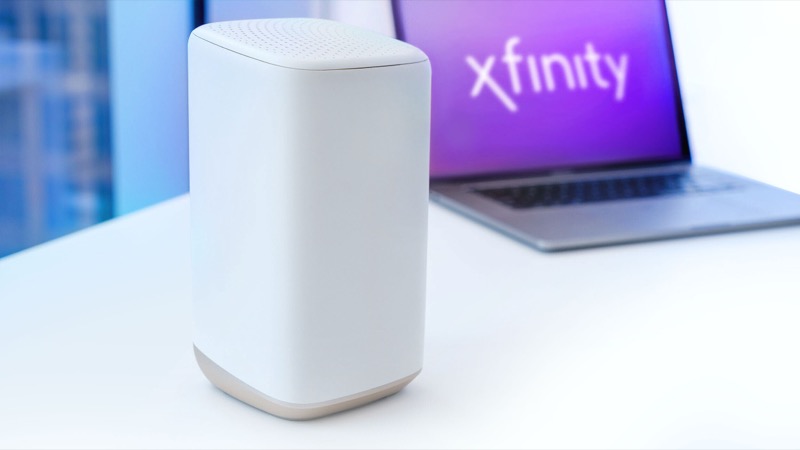
Xfinity’s official light table gives white two meanings, and the difference is whether the gateway has finished activating. A steady white light means the gateway is on and operational. A white light that is steady or blinking while the gateway is activating means it is working but only at limited operation, and it has not yet been fully set up for your account.
That distinction matters because a blinking white light is not a failure. It usually appears when a new gateway is first switched on, or when it has been reset and is being set up again. The table tells you to follow the Getting Started guide that came with the gateway if you have not yet activated it. Some gateways show a purple tint along with the white light after activation, and the table lists that as part of the same operational state.
So the practical question is not “is white bad?” but “has this gateway been activated yet?” If it has, a blinking white light that never settles is worth checking. If it has not, the light is doing what it should.
#2 Steps to Troubleshoot
- Check whether the gateway is new or was reset. A new gateway, or one reset to factory settings, goes through activation. Blinking white is expected during that process.
- Follow the Getting Started guide. Xfinity’s table says that if the device has not been activated, you should follow the steps in the Getting Started guide that came with it. Activation is what moves the gateway from limited operation to operational.
- Wait for activation to finish. Give the gateway time after power-on before changing anything. Do not repeatedly restart it while it is activating, because that starts the process again.
- Confirm the light changed to steady white. Once the gateway is operational, the light should stop blinking and stay steady. Check your internet connection after that.
- If it stays blinking white after activation. Sign in to your Xfinity account or the Xfinity app and check the gateway status. If the account shows the gateway as active but the light keeps blinking, contact Xfinity.
- If you see blinking white and the internet is down. Check for an outage in the app first, because a connection problem can keep the gateway in its limited-operation state.
#3 What If Scenarios
Q: Is a blinking white light the same as the WPS blue light? No. The official table lists blue blinking as WPS pairing mode, which is about connecting a Wi-Fi device. White is about the gateway’s own state, meaning whether it is operational or still activating.
Q: My gateway was working, then the white light started blinking. What changed? If the gateway was operational and you did not reset it, check for an outage before anything else. The table does not describe a blinking white light on an active gateway as a fault, so confirm the account status in the Xfinity app and then contact Xfinity if the light persists.
Q: Will factory resetting the gateway get the white light to stop blinking? Only if you need to set the gateway up again. A factory reset erases your Wi-Fi name, password and custom settings, and it puts the gateway back into the activation process. Do not reset it just to clear a light that is part of normal activation.
Q: How long should the white light blink during activation? The official table does not give a time. Keep the gateway powered and undisturbed, follow the Getting Started guide, and contact Xfinity if it has been blinking white for a long time with no change.
Q: Why is there a purple tint on the white light? The table lists a white steady light with a purple tint after activation as the same operational state as a plain steady white light. It is not a separate fault.
Q: Do I need a new gateway if the white light keeps blinking? Not until you have ruled out activation and account problems. Xfinity’s table treats blinking white during activation as normal, and a gateway that is operational but still blinks white is a case for support, not an automatic replacement. If Xfinity confirms the gateway is faulty, they will tell you whether a replacement is needed. Keep the gateway’s model number and the time the light started, because support will ask for both.
#4 Related Articles
For the connection-related colours, read the Xfinity router blinking orange guide and the Xfinity router blinking green guide. For WPS pairing, read the Xfinity router blinking blue guide.