
#1 What This State Means
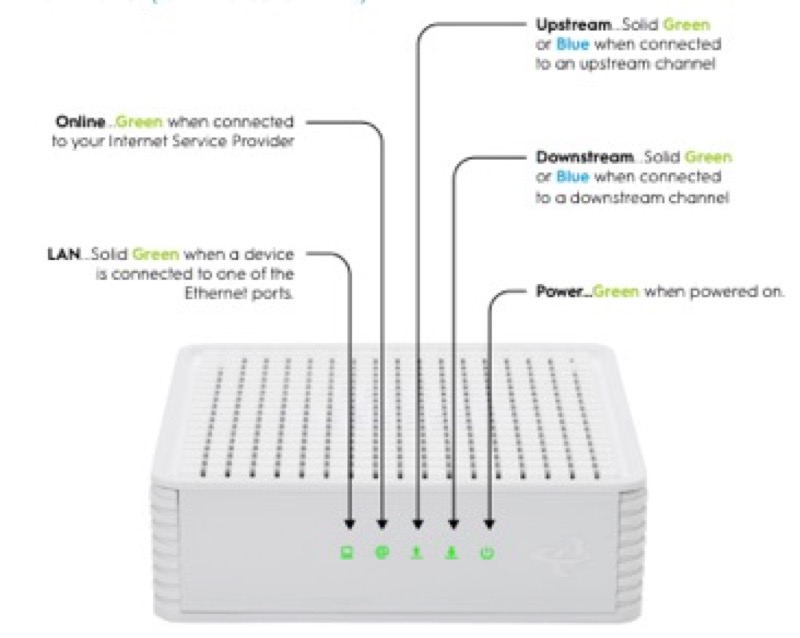
The Verizon Fios G3100 is not covered by a light chart in the sources this site checked. Verizon’s CR1000A user guide (S08) and its LED chart (S09) cover the CR1000A, and no source here gives the G3100’s light meanings. So this page cannot tell you what a particular light means on a G3100.
Verizon does publish a light chart for a different device, the Verizon Internet Gateway, which is part of its 5G Home service. That chart (S26) has its own states, including a soft blink for booting, a fast blink for a firmware update and a solid red for no signal. It does not name the G3100, so it is not the G3100’s chart. Using it on a G3100 would mean applying one device’s lights to another, which the sources do not support.
So the first job is to confirm the model on the label. If it says G3100, the light guidance on this site does not cover your router, and you need Verizon’s own material for the G3100. If it says a different model, use the page for that model.
#2 Confirm the model
- Read the model on the label. Look at the label on the back or underside of the router, and note the model name exactly.
- Check whether it is a Fios router or a 5G Home gateway. The Verizon Internet Gateway chart is for 5G Home, and it is a different device from the G3100.
- Use the chart for your model. For the CR1000A, use the CR1000A light meanings guide. For the G3100, no chart is on this site.
- Do not use another model’s chart. A light that looks the same on a different device can mean something different.
#3 Steps for a G3100 light you cannot match
- Note the light’s colour, speed and what it is doing. Write down the colour, whether it is steady or blinking, and how long it has been that way.
- Check the power. Make sure the power cord is fully connected at the back and the outlet works.
- Check the coax cable. Make sure it is firmly connected at the wall and at the router.
- Check for an outage in your area. An outage can change what the router shows, so check before you restart it.
- Restart once if the light has not settled. Unplug the power, wait a short time, and plug it back in. Give it time to finish starting before you judge the light.
- Contact Verizon for the G3100’s chart. Ask for the light meanings for your model, and give the model from the label and the light you see.
#4 What If Scenarios
Q: Can I use the Verizon Internet Gateway chart for my G3100? No. That chart is for the Verizon Internet Gateway, the 5G Home device, and it does not name the G3100. Its states may not match your router’s lights.
Q: My G3100 light is solid red. What does it mean? The sources here do not give the G3100’s red meanings. Check the power and the coax, then contact Verizon for the chart for your model.
Q: My G3100 light is blinking white. Is it booting? The CR1000A chart describes blinking white as booting, but that is a different router. Do not apply it to the G3100 without a G3100 source. Give the device time to finish starting, then contact Verizon if the light does not settle.
Q: Will a factory reset fix the light? The sources here do not give a reset as the fix for any G3100 light, and they do not give a reset duration for it. A reset removes your settings, so use it only if Verizon support asks you to.
Q: My label says something other than G3100. Which page should I use? Use the page for the model on your label. For the CR1000A, that is the CR1000A light guide. If your model is not covered, contact Verizon.
Q: Why does this page mention a 5G chart at all? Because people often find that chart when they search for Verizon router lights, and it is an official Verizon chart. It is useful only to show that the 5G gateway’s lights are different. Its boot, update and signal states are for that device and should not be read as the G3100’s.
#5 Related Articles
For the CR1000A chart, read the Verizon CR1000A light meanings guide. For a light that is not in the chart, read the Verizon router red light guide. For an outage, read how to check for an ISP outage.