
#1 What This State Means
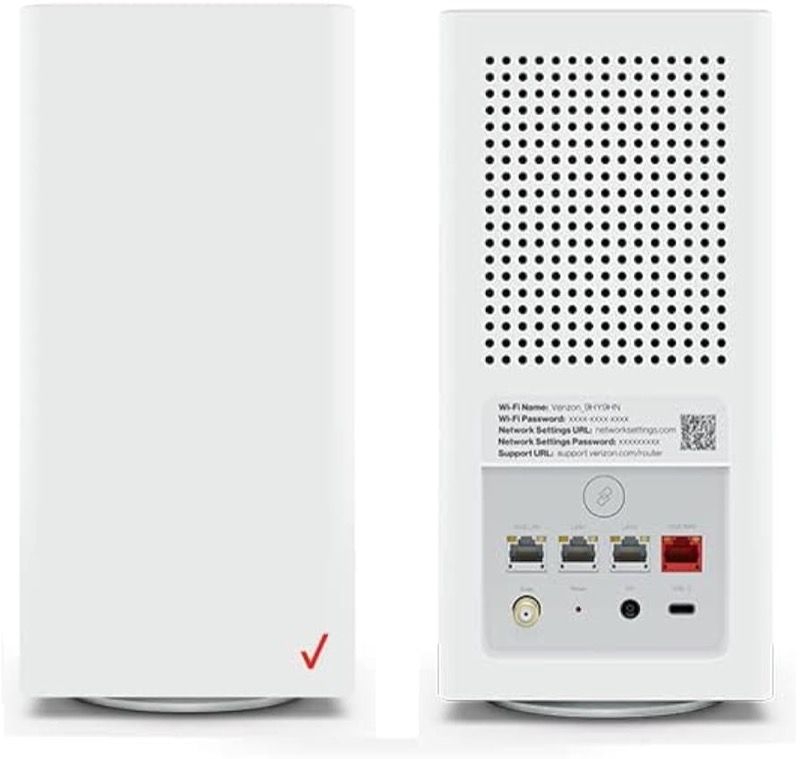
The Verizon Fios ONT is the fibre box that connects your home to the Fios network. Verizon’s ONT support page (S27) describes one indicator light, the power light. It says the light should be on during normal operation, and that if the light is off, electricity is not flowing from the outlet. The page also says the ONT plugs directly into an outlet and needs power at all times to run Fios services.
The page does not describe a blinking ONT light, a colour for the ONT’s other lights, or the models that have them. It names no ONT model, so it does not say whether the Alcatel-Lucent, Nokia or Motorola boxes share one indicator or several. So a blinking light on an ONT has no documented meaning in the sources this site checked, and this page does not give one.
The page covers the ONT’s power light only. For router lights, use the router pages on this site, because the ONT is a separate device.
#2 The ONT’s documented light
| Power light | What Verizon says | What to do |
|---|---|---|
| On | Normal operation | Nothing to fix on the ONT |
| Off | Electricity is not flowing from the outlet | Check the outlet and the power cord |
| Blinking | Not described on Verizon’s ONT page | Check the other lights and contact Verizon |
The power light is the one state Verizon documents. If the power light is on and your internet is down, the problem is probably in the service line or the router, and Verizon’s page points you to its Guided Solutions Tool for that.
#3 Steps to Troubleshoot
- Check the power light. It should be on in normal operation. If it is off, electricity is not reaching the ONT.
- Check the outlet and cord. Make sure the ONT’s power cord is plugged directly into a working outlet, and that the outlet has power. Try another outlet if you have one.
- Keep the power supply plugged in. Verizon’s page says the ONT power supply stays plugged in at all times, so do not unplug it to reset the box.
- If the power light is on but the service is down, check the router. The power light shows the ONT has power, not that the service is working. Check the router’s own lights.
- Use Verizon’s Guided Solutions Tool for service problems. Verizon’s page links it for issues with the equipment or service line, and it is the right place to check a fault on the line.
- Check for a battery backup if you have one. Verizon’s page links battery backup information, so read it for your ONT before you assume a power problem.
- Contact Verizon if the power light stays off. Give the ONT model from its label, the light’s state, and what you have already checked.
#4 What If Scenarios
Q: The ONT light is blinking. What does it mean? Verizon’s ONT page does not describe a blinking light. It describes only the power light, which should be on in normal operation. Check the power, then contact Verizon with the exact pattern rather than guessing.
Q: The ONT light is off. Is the ONT broken? Verizon’s page says an off power light means electricity is not flowing from the outlet. Check the outlet and cord first. If the power is on and the light is still off, contact Verizon.
Q: The power light is on but I have no internet. Is the ONT the problem? Not necessarily. Verizon’s page says an on light means power is present and recommends its Guided Solutions Tool for other service issues. The fault may be the service line or the router.
Q: Can I unplug the ONT to reset it? Verizon’s page says the ONT power supply stays plugged in at all times, so do not unplug it to reset the box. Contact Verizon if you think the ONT needs attention.
Q: My ONT is not one of the models on this page. Does this apply? The page names no ONT model, so it applies to the Fios ONT in general as Verizon describes it. If your box’s label or manual shows a different light pattern, follow that and contact Verizon.
#5 Related Articles
For the CR1000A router chart, read the Verizon CR1000A light meanings guide. For a router with no light, read the Verizon router no light guide. For an outage, read how to check for an ISP outage.