
#1 What This State Means
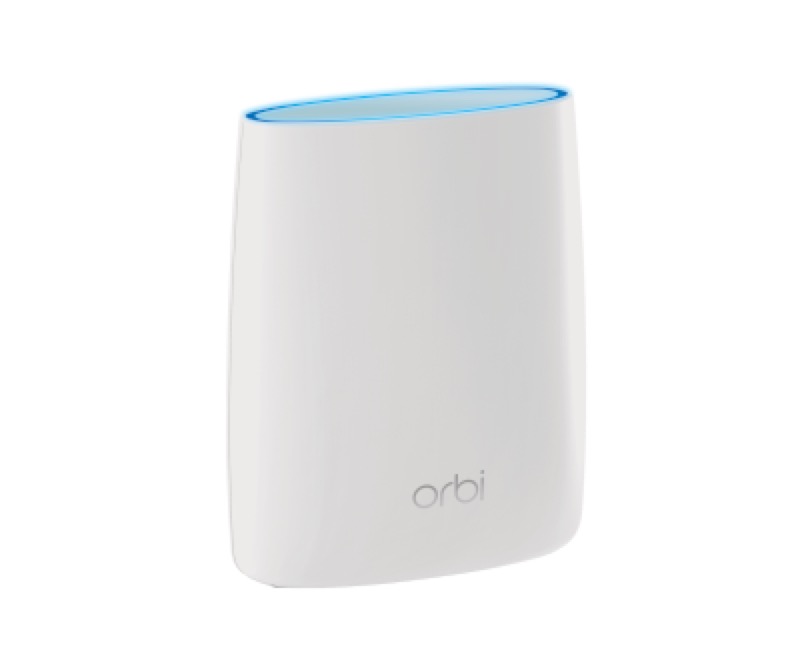
On an Orbi router, a solid white ring light means the router is ready to set up, according to NETGEAR’s official Orbi article (S28). That is the state a new router shows before you complete setup, and it is the reading to look for when you are starting from the beginning. The article’s other ring states are different: a pulsing white ring means the router is powering up or connecting after WPS, and an off ring means it is connected to the internet.
So a solid white ring does not, on its own, show that the router is connected to the internet. It shows that the router is ready for setup. If you have already set the router up and the ring is still solid white, the article does not say the setup has failed, so check the setup steps and whether the internet works on a device.
The article applies across the Orbi lines it lists, and it is not tied to one model. Confirm the model on the label before you rely on a particular detail.
#2 Solid white on an Orbi router
| Ring light | What NETGEAR says | What to do |
|---|---|---|
| Solid white | Ready to set up | Continue with setup |
| Pulsing white | Powering up, or connecting after the WPS button | Wait for it to finish |
| Off | Connected to the internet | Nothing to fix on the router |
| Solid magenta | No internet connection | Check the modem and the cable |
The solid white state is the start of setup. Once setup is complete and the router connects, the ring should move to off, which NETGEAR’s article describes as connected to the internet.
#3 Steps to Troubleshoot
- Confirm the light is the router’s ring. The ring is the white light around the router. The power light is separate.
- If you are setting up a new router, follow the setup steps. Solid white means the router is ready to set up, so continue the setup in the NETGEAR app or the web page.
- If setup is complete and the ring is still solid white, test the internet. The article does not describe solid white as a fault, so check a device’s connection.
- If the ring turns off, the router is connected. Check the devices on the network.
- If the ring turns solid magenta, check the modem and cable. That is the no-internet state, so check the cable from the modem and look for an outage.
- If the ring pulses, wait. A pulse means the router is powering up or connecting after WPS, so let it finish.
- Contact NETGEAR if the ring does not change. Give the model from the label, the ring’s state, and what you have already checked.
#4 What If Scenarios
Q: My new Orbi router shows solid white. Is it ready? According to NETGEAR’s article, solid white means the router is ready to set up. Continue the setup, and the ring should change once the router connects.
Q: The ring stays solid white after setup. Did the setup fail? The article does not say solid white means a failed setup. Test the internet on a device. If the internet does not work, check the modem and cable, and contact NETGEAR if the ring still does not change.
Q: The ring is solid white and my internet works. Should I worry? No. The internet working is consistent with a router that is connected, though the article describes the connected state as an off ring rather than a white one. If the ring stays white, contact NETGEAR to confirm the state.
Q: Why does the solid white ring not mean the router is connected? Because NETGEAR’s article lists solid white as ready to set up and off as connected. The two states are different, so a white ring does not confirm the internet on its own.
Q: Does this apply to a satellite too? The article’s solid white reading is for the router. For the satellite, it lists a pulsing white ring for powering up or connecting, a solid magenta ring for no backhaul, and solid blue or amber for backhaul quality. Use the Orbi router and satellite lights guide for those.
#5 Related Articles
For the full Orbi light list, read the Orbi router and satellite lights guide. For the pulsing white ring, read the Orbi router blinking white guide. For the magenta ring, read the Orbi router solid magenta guide.