
#1 What This State Means
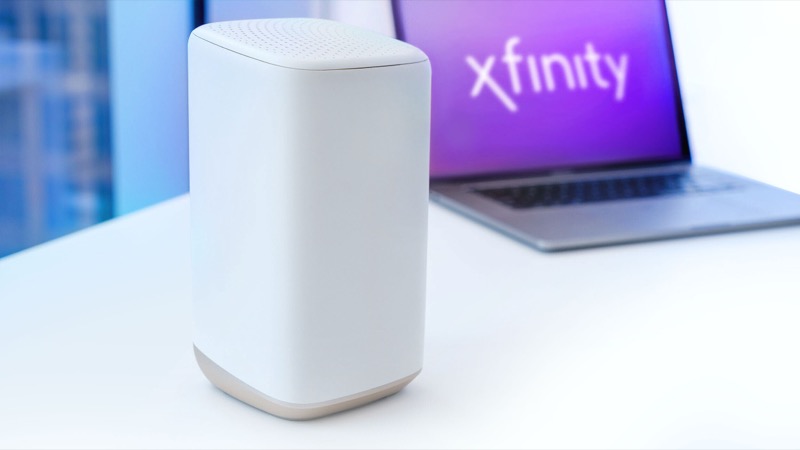
Your Xfinity router blinks green because the gateway is still connecting to Xfinity’s network, or it keeps losing and regaining that connection. Xfinity’s official light table puts green in its “all other colour combinations” group, which means connecting to Xfinity systems, and it says to wait about 15 minutes for that cycle to complete. Independent explainers read a flashing green light the same way: the modem is trying to reconnect, and an unstable connection is the usual reason.
The answer to “why” therefore depends on what the light does next. If it blinks green while the gateway is starting or straight after a restart, the connection is still being set up, and the light should settle. If it blinks green for a long time, or it comes back each time you use the internet, the connection itself is unstable. Customers on Xfinity’s forum describe that second pattern: the light goes green, the internet drops, and it returns again.
Green does not mean data activity in Xfinity’s table. Some other gateway lights blink while data moves, but the Xfinity table does not describe green that way. A green light with no internet is a connection problem, not a sign that traffic is flowing.
#2 Steps to Troubleshoot
- Wait out the cycle. If the green light appeared after a restart, power cut or outage, wait about 15 minutes before judging it.
- Check for an outage. Open the Xfinity app and look for service problems in your area. An outage can make the gateway cycle between connecting and dropping.
- Check the coax. Make sure the coax is finger-tight at the wall and at the gateway. WikiHow lists loose cables as a common cause of a flashing green light.
- Restart once. Unplug the power, wait one minute and plug it back in. Restarting repeatedly starts the cycle again.
- Check your account. If the light keeps going green, confirm your account and payments are up to date, because an account problem can stop the connection.
- Contact Xfinity. If the green light returns or stays after these steps, call Xfinity. Say when it started, whether it settles on its own, and whether the internet drops each time.
#3 What If Scenarios
Q: Why is my Xfinity router blinking green even though the internet works? Working internet with a blinking green light means the connection is being set up or is partly unstable. Check whether the internet stays up over time. If it drops, the light is describing a real problem, and you should report it to Xfinity.
Q: Why does the green light only appear in the evening? That pattern points to a connection that is affected by load or a local problem rather than the gateway alone. The sources do not give a cause for a time-of-day pattern. Keep a note of the times and report them to Xfinity, because support can check the connection history from their side.
Q: Why does my router show green while the gateway is blinking? Your router and the Xfinity gateway are separate devices. The blinking green light is on the gateway, which describes its connection to Xfinity. Test a device directly on the gateway with Ethernet. If it works there but not through your router, the problem is in your home network.
Q: Is the green light a sign of a bad splitter? A splitter or damaged cable can stop a stable connection, which is what the connecting cycle depends on. Check the splitter connections, and tell Xfinity if you have added or changed a splitter recently.
Q: Should I factory reset to stop the blinking green? No. Neither the table nor the customer threads ask for a reset for green. A factory reset erases your Wi-Fi name, password and custom settings, so reset only if Xfinity support tells you to.
Q: What should I tell Xfinity so the call is useful? Give the model number from the label, whether the gateway is a gateway or a standalone modem, when the green light started, and how often it returns. Say whether the internet drops with it and whether a wired connection to the gateway behaves the same. Note any steps you have already taken, including the coax check and the single restart. That information lets support check the connection history instead of starting from scratch.
#4 Related Articles
For the full green-light guide, read the Xfinity router blinking green guide. For a connection that stays down, read the Xfinity router blinking green no-internet guide. For the outage check, see how to check for an ISP outage.