
#1 What This State Means
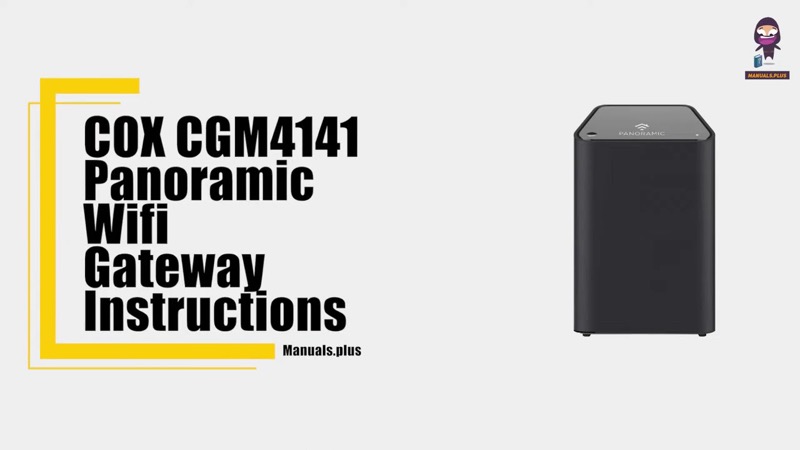
Cox publishes a light table for each of its gateways, and the tables are not the same. The sources on this site cover three devices: the Panoramic WiFi router, model XER10 (S31), the Technicolor CGM4141 (S32), and the Technicolor CGM4331 (S30). Each table names its own colours and states, so read the table for your device rather than mixing them.
Across the three, the states you are most likely to see are these. Solid white is the healthy state: the device is online and fully operational. Solid amber is the initial power-up and boot. Solid red is a problem: on the XER10 it means no internet connectivity, and on the CGM4141 it means offline. Flashing green and flashing amber are stages of the start-up: the XER10 shows a flashing green download during firmware download, and the CGM4141 shows flashing amber for downstream registration and flashing green for upstream. Flashing blue on the CGM4141 is WPS mode.
Cox’s tables do not match one another on every point, so do not carry a state from one device to another. The CGM4331 page states only the solid white front light, so for that device the rest of the colour meanings are not on the page.
#2 Cox gateway lights by device
| Light | XER10 Panoramic router | CGM4141 gateway | CGM4331 gateway |
|---|---|---|---|
| Off | No power; or in Power Save Mode on the CGM4141 | Off or Power Save Mode | Not stated |
| Solid amber | Initial power-up and boot | Initial power-up and boot | Not stated |
| Flashing amber | Acquiring an IP address on the Ethernet WAN | Downstream registration | Not stated |
| Flashing green | Download in progress | Upstream registration | Not stated |
| Solid white | Online and functioning | Online | Online and fully operational |
| Flashing white | Warehouse mode, not provisioned, captive portal | Not stated | Not stated |
| Solid red | No internet connectivity | Offline | Not stated |
| Flashing blue | Not stated | WPS mode | Not stated |
| Amber and green flashes | Not stated | Firmware download | Not stated |
| Green circles | Factory reset in process | Not stated | Not stated |
The table is the most reliable part of this page. The “Not stated” cells mean Cox’s page for that device does not give the state, so do not infer one.
#3 Steps to Troubleshoot
- Identify the device. Read the model on the label. The XER10 is the Panoramic WiFi router, the CGM4141 is a Technicolor gateway, and the CGM4331 is another Technicolor gateway.
- Use that device’s table. Match the light to the table for your device only.
- If the light is off, check the power. Cox says no power means checking the power supply and outlet. Make sure the outlet is not switched.
- If the light is solid red, check the connection. On the XER10 red means no internet connectivity, and on the CGM4141 it means offline. Cox says to verify the cable connections and to reboot the gateway by unplugging it at the back, waiting 30 seconds, and plugging it back in.
- If the light is flashing or amber, wait. Those are start-up and registration states that finish on their own.
- If the light is solid white, the device is online. Check the devices that cannot get online, not the gateway.
- Contact Cox if the light does not match its table. Give the model, the light’s colour and state, and what you have already checked.
#4 What If Scenarios
Q: My Cox gateway is solid red. What do I do? Check that the cable connections are secure. Cox’s tables say to verify the cable connections and to reboot by unplugging the power cord from the back of the gateway, waiting 30 seconds, and plugging it back in. Contact Cox if it stays red.
Q: My Cox gateway light is off. Is it broken? Cox’s tables say off means no power, or Power Save Mode on the CGM4141. Check the power supply and the outlet first, and make sure the outlet is not switched.
Q: My CGM4331 light is a colour that is not in its table. What now? The CGM4331 page gives only the solid white state, so the other colours are not described there. Contact Cox with the colour and state you see.
Q: Can I use the XER10 table for my CGM4141? No. Each table names its own states, and the tables do not match on every point, so use the table for your device.
Q: My router is a different Cox model. Does this page apply? Not as far as these sources show. The sources cover the XER10, the CGM4141 and the CGM4331, and not the CGM4140COM or TG1682G.
#5 Related Articles
For the solid white state, read the Cox router solid orange guide. For the red light, read the Cox router red light guide. For the blue light, read the Cox router blinking blue guide.